
<Directory>は、指定のディレクトリとそのサブディレクトリにのみ、中のディレクティブを適用できるように囲むためのディレクティブ。
core - Apache HTTP サーバ バージョン 2.4
[root@localhost ~]# cd /etc/httpd/conf
[root@localhost conf]# ls
httpd.conf  magic
[root@localhost conf]# vi httpd.conf
[root@localhost conf]# cd /var/www/htmltest/
[root@localhost htmltest]# ls
index.html
[root@localhost htmltest]# mkdir sub_dir1
[root@localhost htmltest]# cd sub_dir1/
[root@localhost sub_dir1]# ls
[root@localhost sub_dir1]# pwd
/var/www/htmltest/sub_dir1
[root@localhost sub_dir1]# cp ../index.html .
[root@localhost sub_dir1]# vi index.html
[root@localhost sub_dir1]# cat index.html
<html>
  <head>
    <title>Sub Directory 1</title>
  </head>
  <body>
    Sub Directory 1
  </body>
</html>
[root@localhost sub_dir1]#htmltestディレクトリの下にsub_dir1ディレクトリとindex.htmlを作る。
Alias /htmltest /var/www/htmltest/
<Directory "/var/www/htmltest/">
    Order allow,deny
    Allow from all
</Directory>

<Directory "/var/www/htmltest/sub_dir1">
    Order allow,deny
    Allow from all
    Deny from localhost
</Directory>基本的に、親ディレクトリのアクセスルールは、子にも継承される。
しかし、子で指定したルールが親を打ち消す場合がある。
ここでは、親はすべて可に対し、子はlocalhostを拒否。
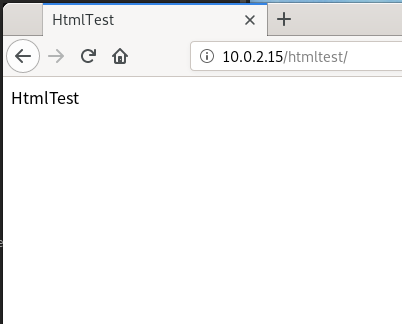
親はIPでOK。
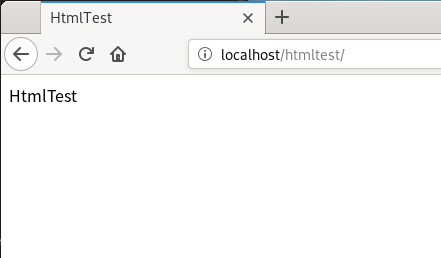
localhostもOK。
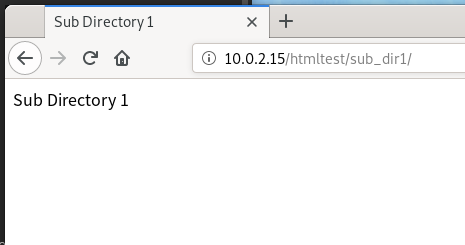
sub_dir1もIPならOK。
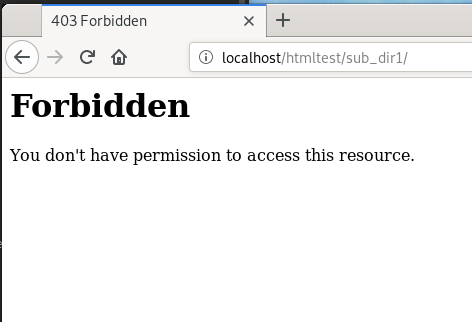
でもlocalhostはNG。
さて、親と子で排他だとどうだろう。
Alias /htmltest /var/www/htmltest/
<Directory "/var/www/htmltest/">
    Order deny,allow
    Deny from all
    Allow from localhost
</Directory>

<Directory "/var/www/htmltest/sub_dir1">
    Order allow,deny
    Allow from all
    Deny from localhost
</Directory>親はlocalhostだけを許可、子はlocalhostだけを拒否。
親のIP拒否が継承されるなら、子のIP許可は起きない気もするが、
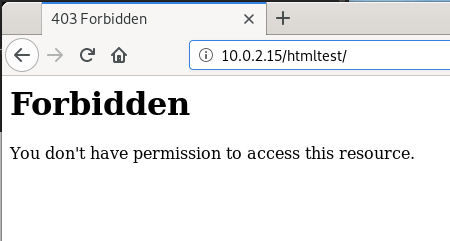
親IP拒否。
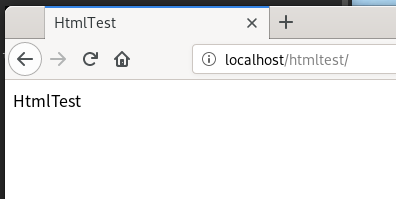
親localhost許可。
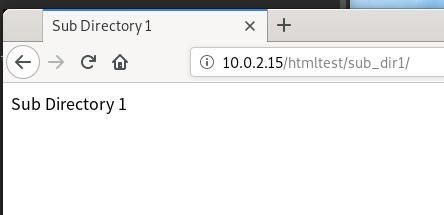
子IP許可。
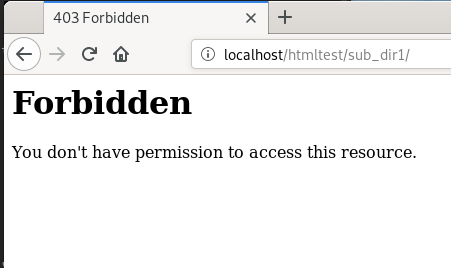
親localhost拒否。
ということで、実際には継承されずそれぞれのディレクトリが独立してアクセス制御してる。
